Are ROB RUN commands the same as keybinds?
A keyboard shortcut triggers an action, while a typed command needs its own documented input interface. Start by matching the action name with what you see on screen. The official help entries below document two keyboard inputs, so keep those alongside the action prompts you encounter. Read a shortcut as a key to press, rather than a word to send in chat.
Start by naming the action you want: opening Shipments, identifying your account for support, interacting with an object, or escaping a stuck location. These are different problems. A list copied from another survival game can contain familiar words while having no connection to ROB RUN. This page covers ordinary player controls only, not administration, automation, exploits, or tools that change the client.
Two inputs with an official source
Official: Kefir says H opens Shipments; the side menu is an alternative in the desert, Lenny’s Motel, or Looty Bay. That tab concerns unlocking goods. It is not an instruction to type H in chat or a command that delivers free equipment. Read the chosen item’s actual requirements before treating an available menu as an available purchase.
Official: Kefir says Esc shows your UID below your character name, with a Copy UID button. Use that identifier only when needed in a private support report. It is not a redemption code, server identifier, or invitation link. Knowing this input helps you provide the right account context without pasting unrelated personal details into public chat.
Step by step: identify an unfamiliar action
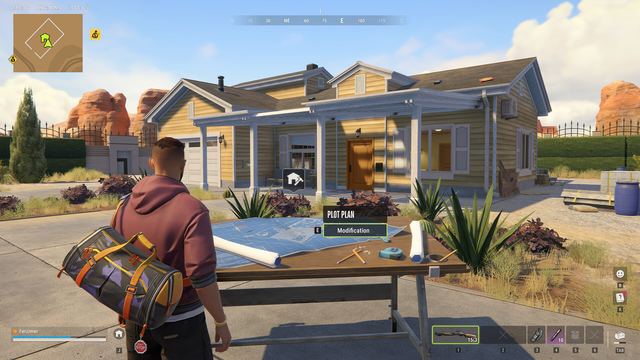
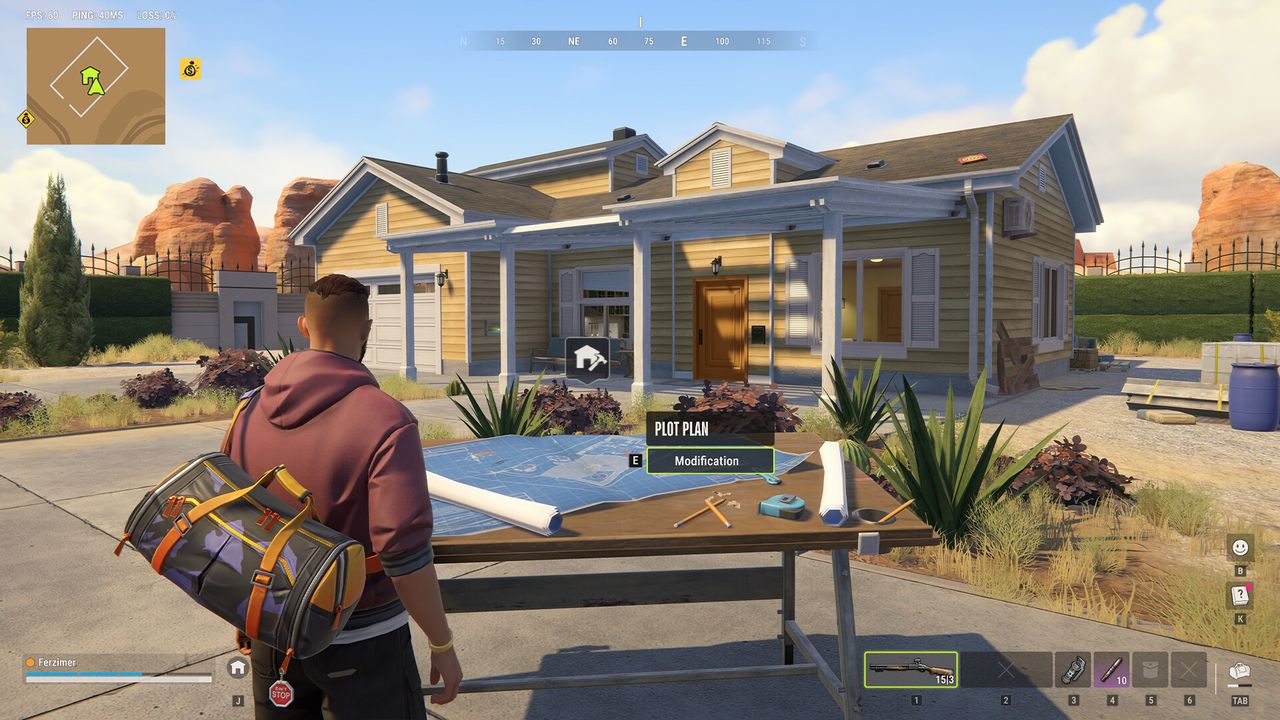
First, inspect the prompt attached to the object or menu you are trying to use. Our suggested check is to distinguish a keyboard key from an item requirement or a hold interaction. If your client exposes bindings, compare the action name there; do not assume another player’s customized key is your default. Preserve your current settings before trying a reversible change.
Second, test only a harmless action while you are not carrying valuable loot or in combat. Check that you can close the menu as well as open it. If an action is unavailable, record the exact prompt rather than pressing random keys. A failed interaction can mean the wrong target or an unmet condition, not necessarily a broken keyboard or missing command.
If controls or an exit still fail
For E-0601, the official reference describes missing keyboard-and-mouse detection, particularly with remote access. Keep directly connected input devices as the troubleshooting baseline and check whether ordinary keyboard actions respond. Use the controller guide for hardware compatibility, and the trapped-base guide for a blocked exit. Give each report the relevant symptom: input not detected, one binding failing, or a location that prevents movement.
For a suspected binding conflict, separate the physical key from the intended action in your notes. That makes a report understandable even when your setup differs from another player’s. Save the build, screen, exact prompt, and input that failed; include which ordinary actions still work. Ask official support about that narrow case. Avoid guessed launch options, downloaded command unlockers, or settings-file replacements from unrelated games. No safe unstuck command or complete default binding chart was verified in this review. Keep a copy of your current bindings so you can reverse a change after testing it.