Why a locked exit and a frozen game are different
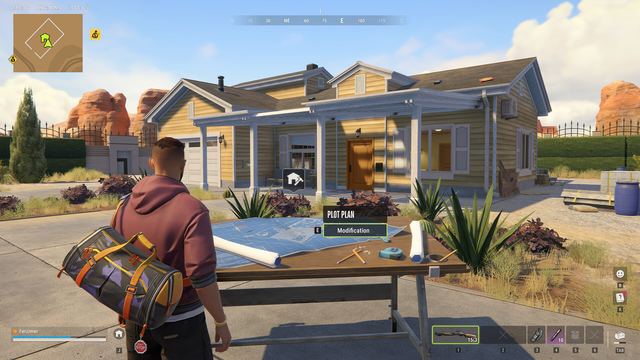
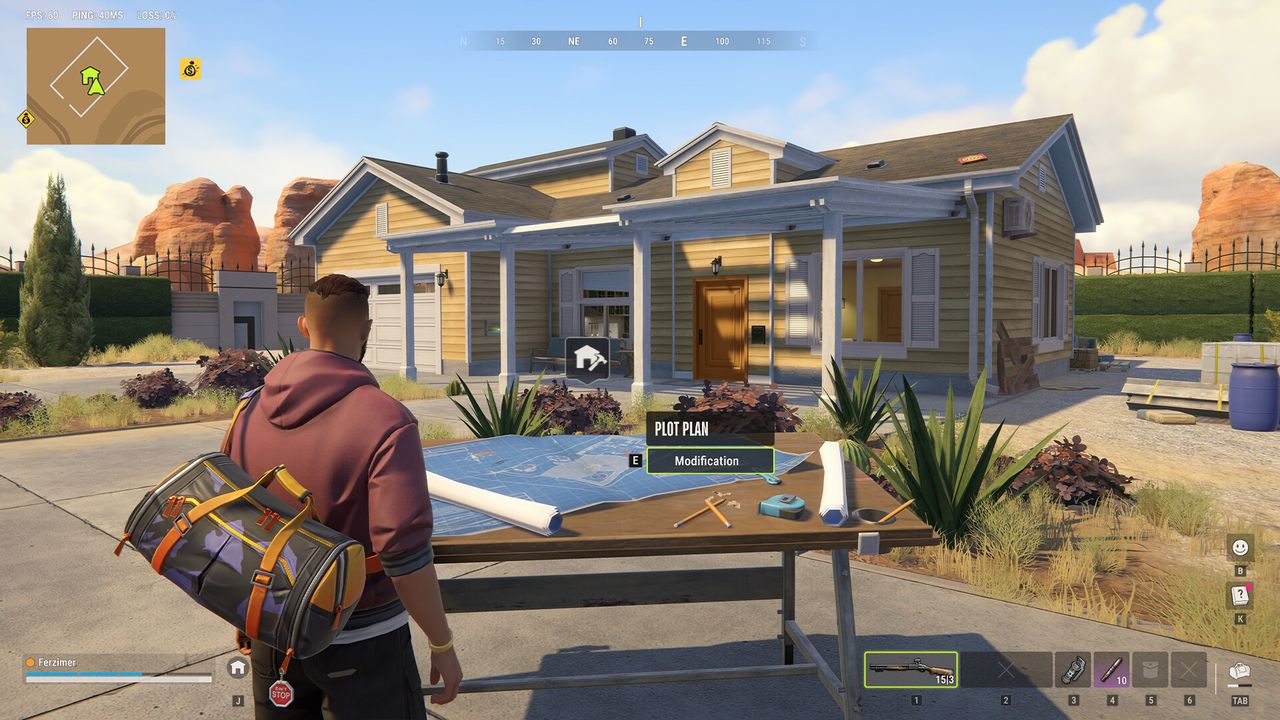
Being inside another player's base is not the same problem as failing to enter your own. Start by checking whether movement and normal menus respond. If they do, note whether one doorway is locked, an interaction is unavailable, or the geometry physically blocks movement. If everything is frozen or loading, use the technical-loading checklist instead of assuming a particular owner action caused the problem.
Official raid help says access through a rival Security System is temporary and owners can repair security. That explains why you must not assume an entrance stays available forever. It does not prove that a repair caused your specific trap, or that every repaired door prevents exit. We have no verified universal escape timer, guaranteed teleport location, or command that safely returns you and your carried loot.
Step 1: retrace the last known route
Our low-risk checklist is to stop collecting items and look back along the route you used to enter. Try only ordinary movement and interaction with the original door, reading any prompt before confirming. Do not spend another rare item just because the doorway looks closed. A description of the actual restriction is more useful than experimenting with tools whose target and consequences you do not understand.
If a teammate is outside, compare what each of you sees at the same doorway without making destructive changes. Note whether the door appears open to one player and closed to another, whether the prompt names security, and whether your character can move elsewhere. This is evidence gathering, not a guaranteed cooperative escape method or a claim that another player can always unlock the building from outside.
Step 2: protect evidence before risky recovery attempts
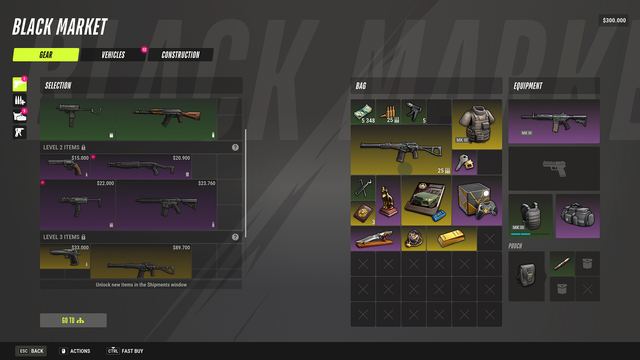
Save the approximate time, world or region, building context, entry method, and exact failed interaction. A screenshot should show the obstruction or prompt rather than expose account credentials or unrelated chat. Keep the inventory state with your own notes so you can distinguish being trapped from losing items afterward. This page does not establish a game log location or require you to install a reporting utility.
Do not intentionally die, surrender, or switch servers as your first unstuck test. Official loss rules depend on role and location, and some outcomes remove inventory. Nor can we promise that quitting and reconnecting moves you outside or preserves everything. If you choose any recovery action, read its visible consequences first and record what changes; a restarted client is not evidence of a successful, loss-free escape.
If the exit still fails
For a genuine connection error, follow its specific official guidance rather than a base-specific rumor. For example, Kefir identifies E-0201 as a lost connection and recommends checking connectivity and restarting the game. That is a technical recovery step, not an inventory guarantee. If no such error appears, keep the report focused on the door or geometry instead of diagnosing every trap as an outage.
Send the reproduction details to official support through Kefir's published channels. Explain whether you entered normally or through a raid, which route no longer works, and whether the problem persists across an ordinary session restart if you already attempted one. Do not repeatedly enter other bases to recreate a costly loss. Until an official or clearly documented current-build exit is verified, the honest answer is a cautious diagnostic path, not a magic unstuck command.