What does “ROB RUN kit” mean?
First distinguish police-issued equipment from a personal set of weapons and armor. If someone offers a starter reward, ask for its full in-game name and inspect the actual claim screen before planning around it. A universal starter-kit redemption flow remains unconfirmed. Write down whether your goal is joining police duty, replacing lost gear, or preparing a criminal run; each starts with a different equipment decision.
Choose your role and objective before comparing kits. A police equipment issue and a criminal shopping list have different access rules and risks. For a personal set, make a short list of the weapon, matching ammunition, protection, and storage you need. Use the separate weapon guide for individual gun choices, then compare the complete set with the budget you can afford to replace.
Police-issued gear: what is official?
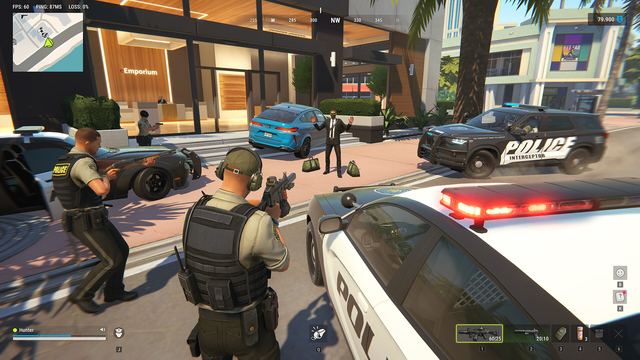
Official: Kefir says players can enlist at Looty Bay’s Police Station when slots are open, receive standard equipment and a patrol vehicle, and access better equipment through badge progression. The help also describes improved gear for answering a backup call. Read the badge and kit descriptions together, then compare the selection you are about to make with the role and equipment you actually want.
Player reports / community data checked November 12: Wikily lists default equipment stages and additional badge kits, but explicitly leaves the timing reference unclear. The official November 4 patch links improved patrol gear to fresh-server age. When comparing an equipment report, ask which world it came from, how old that world was, and whether a backup call applied; keep those details separate from personal playtime.
Step by step: inspect a police kit before choosing
Read the current role-selection or equipment description before confirming anything that spends a badge. Compare the complete item names and tier, what is issued, and any displayed cost or condition. Save the screen that shows the transaction. If consumption terms are unclear, check the item description or ask support before selecting the kit; include the exact badge and equipment option in your question.
If enlistment is unavailable, distinguish a full role from missing equipment. Record the exact availability message instead of repeatedly reconnecting or buying more items. If a listed weapon differs from your issued kit, note the world, build, and whether a backup offer applied. Those details let you compare like with like without diagnosing a balance change from one unexplained screenshot.
Building your own loadout
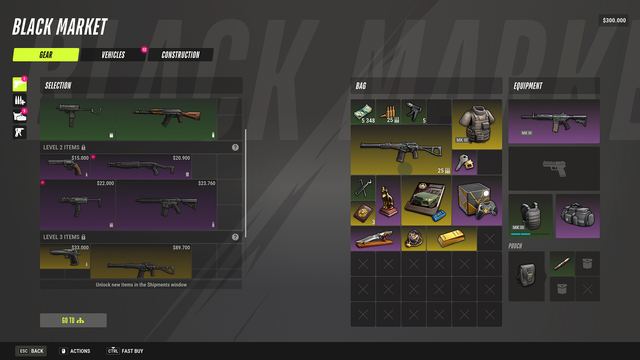
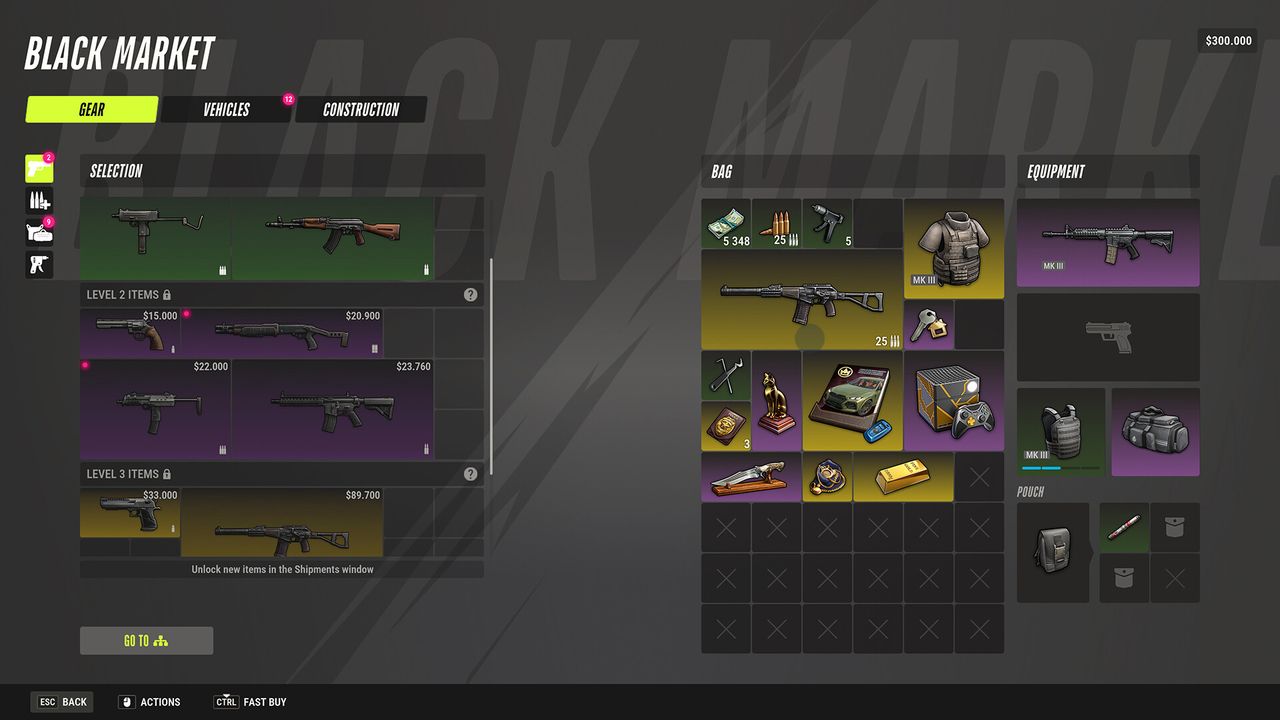
For personal gear, start with the job and what you can afford to replace, then compare weapons, ammunition, storage, and protection in your client. Official weapon help names city loot and the Black Market as acquisition routes. That establishes where to look, not a guaranteed stock list or a measured best combination. Check unlock and purchase conditions separately before budgeting a full set.
Plan the trip home as part of the loadout. Official death rules depend on role and location, so compare the risks for your planned destination before equipping valuable personal items. Carry what the run needs, keep replacement funds separate in your budget, and read the visible consequences before changing roles. After a shift, compare the issued kit, your personal inventory, and any displayed payout as separate records.
If a kit is missing or different
Keep the expected source, actual item list, and any spending confirmation together before contacting support. For a missing community-advertised bundle, provide the offer’s exact name and where you expected to claim it. For a badge discrepancy, provide the item and transaction prompt instead. Do not share login credentials with someone offering to claim equipment; use the developer’s published support channels and keep a copy of your report.